

Student Teaching Procedures
Student Teaching Application
Watermark Student Learning & Licensure (SL&L)
Western Kentucky University has transitioned the student teaching application process to Watermark Student Learning & Licensure (SL&L). Follow the instructions below to access the portal and submit your application.
Application Deadlines
Applications are due one year in advance. This lead time is essential for arranging placements.
| Fall Semester | October 15th |
| Spring Semester | April 15th |
Application Instructions
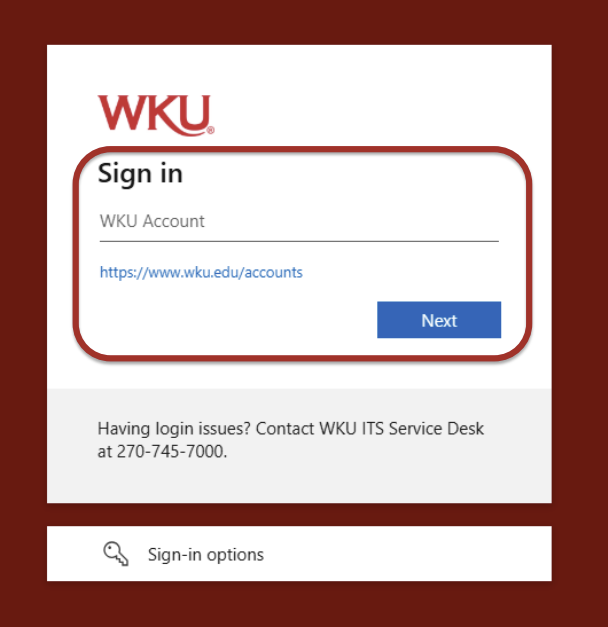
Go to the WKU Watermark Portal. Enter your WKU Account username (NetID), click Next, and enter your password when prompted.
Having login issues? Contact the WKU ITS Service Desk at (270) 745-7000.
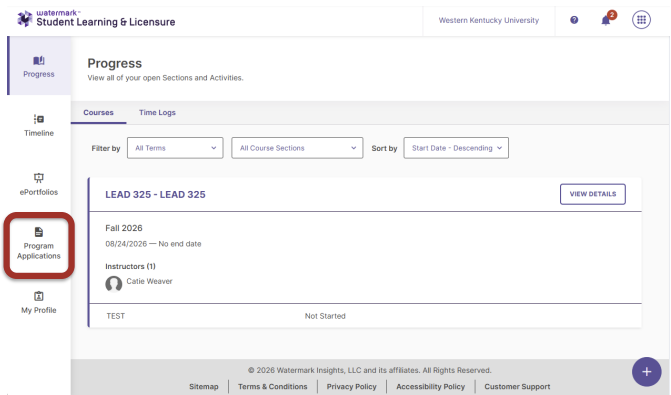
From the main navigation menu on the left side of the screen, select Program Applications.
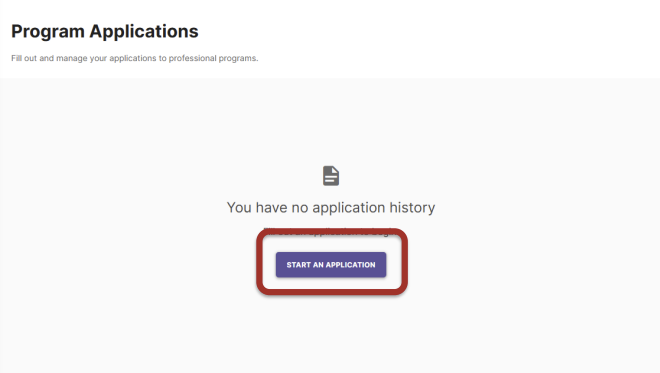
Select the START AN APPLICATION button. If you already have existing applications on file, click the blue START AN APPLICATION button located in the top-right corner.
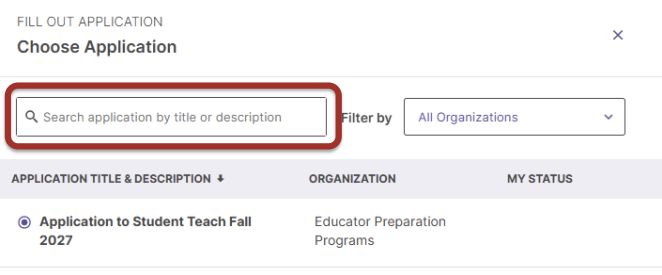
Use the search bar or list to locate the student teaching application for your term (for example, Application to Student Teach Fall 2027 under Educator Preparation Programs) and select it.
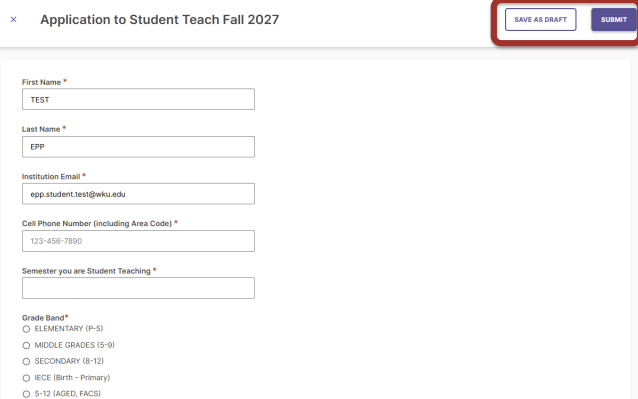
Fill in all required fields marked with an asterisk (*) and review your entered information for accuracy.
Select SAVE AS DRAFT if you need to exit and finish later. Once all information is complete, select SUBMIT.
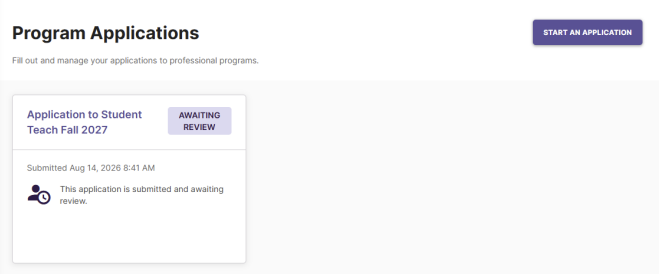
Return to the Program Applications dashboard and verify that your application status displays as AWAITING REVIEW.
Need Help?
Watermark SL&L System Support
For technical assistance or issues accessing the Watermark SL&L platform, contact:
Lucas Green
lucas.green@wku.edu
For WKU NetID password or authentication issues, call the ITS Service Desk at (270) 745-7000.
Application & Placement Inquiries
For questions regarding eligibility, placement preferences, or student teaching requirements, contact:
Shannon Evans
shannon.evans@wku.edu
Student Teaching Handbook Resource Site
All student teachers, mentor cooperating teachers, and university supervisors should refer to this resource for the required forms and expectations for the student teaching semester.
THE OFFICE OF PROFESSIONAL EDUCATOR SERVICES
Gary A. Ransdell Hall, Office 1092
1906 College Heights Blvd. #11030,
Bowling Green, KY 42101-1030
Services & Programs
Some of the links on this page may require additional software to view.