

Information for Prospective Students
Circle of Support Application Process
Kelly Autism Program
Follow our step-by-step process to apply for the Circle of Support program at Western Kentucky University. We guide prospective students and families through every stage of admission, application materials, and onboarding.
Steps in the Circle of Support Interview Process
Step 1
Apply to Western Kentucky University (WKU) and provide proof of your acceptance to KAP. Proof may be submitted by sharing the WKU acceptance email or letter, or by authorizing a KAP team member to verify acceptance with the WKU Admissions Office—Access WKU's Application Management Portal.
(Potential students may schedule an interest meeting with KAP Circle of Support before applying to WKU. This meeting is an excellent opportunity to learn more about the program and ask questions.)
Step 2
Schedule and complete an interest meeting with a KAP team member, either in person or via Zoom. To schedule, call 270-745-4232 or email circleofsupport@wku.edu.
Step 3
Request an interview packet, complete all required materials, and return the packet by the communicated deadline. Packets may be submitted by email, mail, or hand delivery.
Step 4
After the completed interview packet has been received, a KAP team member will contact the student/family to schedule an interview date and time.
Step 5
Attend the scheduled interview in person. It is strongly recommended that at least one parent, guardian, or family member be present during the interview.
Required Interview Application Materials
Please compile and submit the following required documentation to complete your application packet:
- KAP Interview Packet: A completed KAP Circle of Support Interview Packet. (See the steps above for instructions on how to obtain the interview packet.)
- High School Transcript: A copy of the student's high school transcript.
- College Transcript: A copy of the student's college transcript (if applicable).
- Autism Diagnosis: Documentation of an autism diagnosis from a qualified professional.
- IEP / 504 Plan: A copy of the student's most recent Individualized Education Plan (IEP) or 504 Plan (if applicable).
- Student Photo: A current photo of the student.
- Letters of Reference: Two academic or professional letters of reference that include the reference's contact information.
Optional (Recommended) Materials
ACT or SAT Scores: A copy of the student's ACT or SAT scores. While not required, submitting standardized test scores may strengthen an applicant's application packet.
Interview Cycles
Students who wish to begin KAP Circle of Support services in the fall semester should submit their completed interview application packet by November 30 to ensure consideration in the first interview cycle, which takes place from mid-January to early February. After the initial interview cycle, additional interviews may be scheduled on a rolling basis as openings in the program become available. For students interested in starting services in the spring semester, interviews will also be conducted on a rolling basis. Since program availability can vary, the KAP team encourages prospective students and their families to start the application process as early as possible.
Contact Information, Resources, and Giving
Circle of Support - Kelly Autism Program
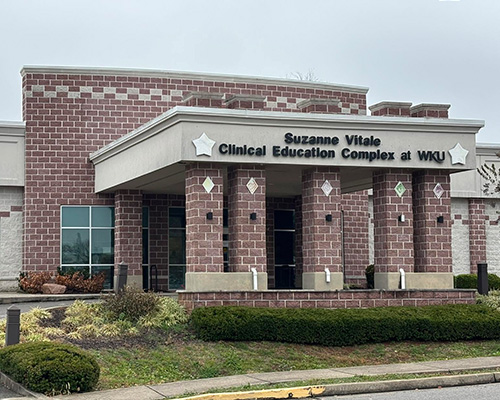
Suzanne Vitale Clinical Education Complex
104 Alumni Avenue,Bowling Green, KY 42101-1030
Support Our Mission
Your financial support makes a direct, immediate impact in the lives of autistic individuals across our region. Contributions to Kelly Autism Program enable us to provide critical resources, professional expertise, and structured programs that foster lifelong growth and community integration.
 GIVE NOW
 Some of the links on this page may require additional software to view.