


Information Technology Services
Information Technology Services
Our Services
Information Technology is here to help you. We support a wide selection of applications and offer services to help you succeed as a Hilltopper. Use myWKU to access multiple applications and resources or view our full list of services.

Technology Guide
Get started with your student logins, resources, and systems you will use as a new Hilltopper.
Student Guide

Technology Guide
Information for employees about accessing services, systems, and support offered by WKU ITS.
Employee Guide
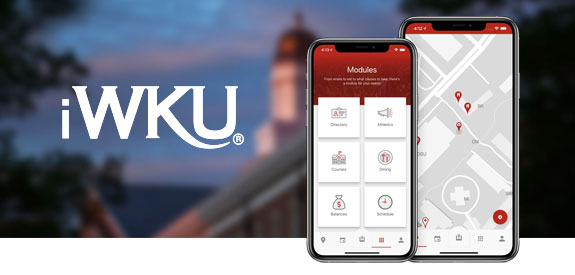
Mobile Application
View your course schedule, dining dollars, campus maps, and more - all on the go.
About iWKU
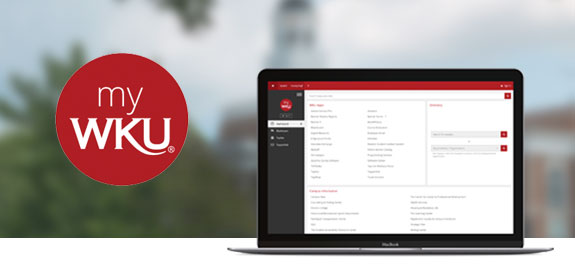
Hilltopper Portal
One login to access to email, TopNet, Blackboard, and more.
my.wku.edu

Continue learning, teaching, or working from a remote location.
Learn More

Get Help
The ITS Service Desk serves as a single point of contact for technology support and can be reached in a variety of ways.
Chat with our AI-powered digital assistant, trained on the ITS Knowledge Base.
Chat NowNeed Assistance?
The WKU ITS Service Desk is here to help. Give us a call, chat with a representative online, use the Self-Help Knowledge Base and more.
Some of the links on this page may require additional software to view.